
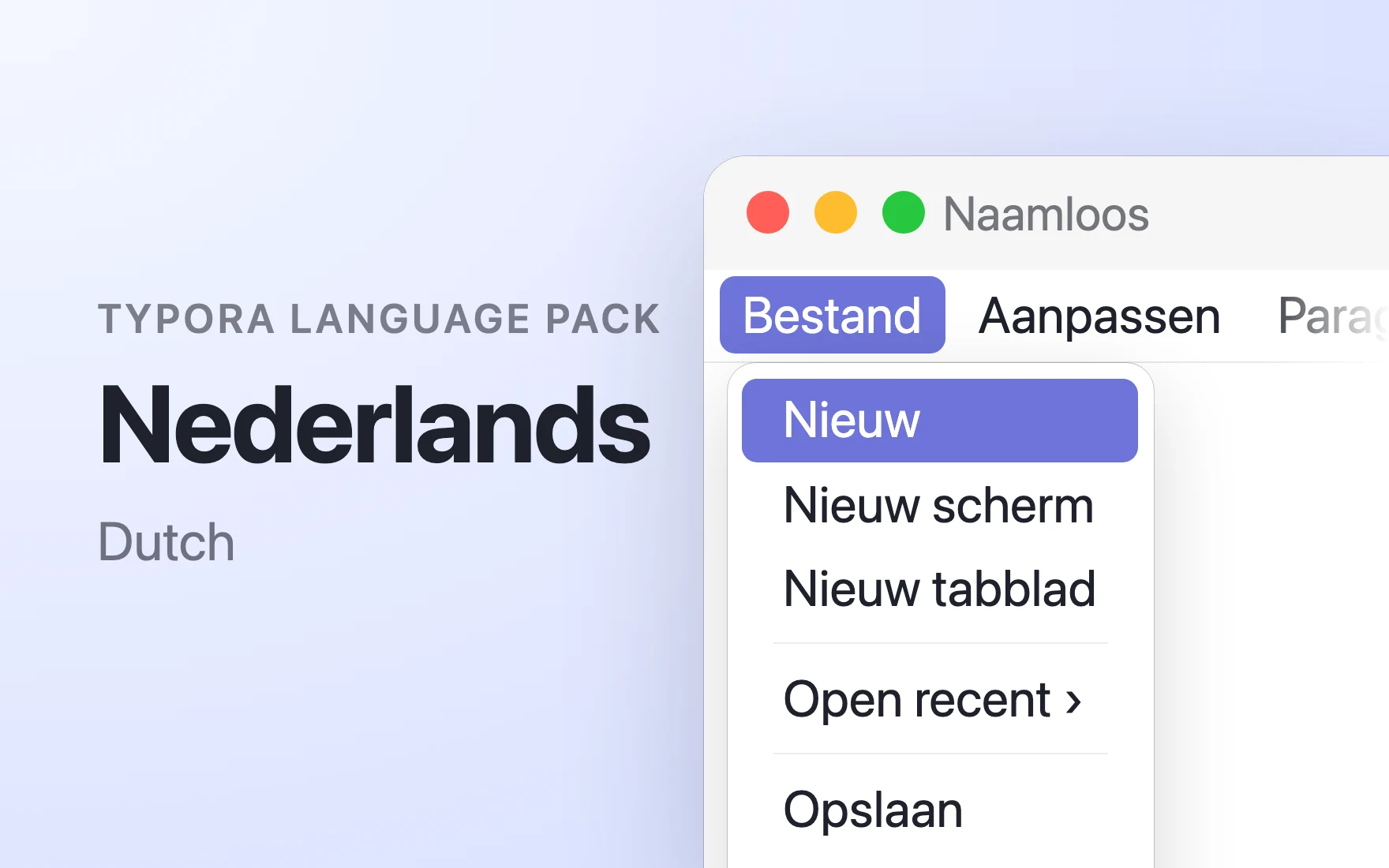
Nederlands Language Pack
Shows Typora in Dutch, and checks Dutch spelling when the system spellchecker has no Dutch dictionary.
Permissions
No permissions. It cannot use the network, the clipboard or your files, and only sees what Typora hands it.
Data only. Typora applies its data (rules, templates, settings). No extension code runs.
What it adds
- Display language
- Nederlands (Dutch)
- Spelling dictionaries
- nl — used when the system spellchecker lacks the language
Readme
Nederlands Language Pack
Shows Typora in Dutch, and checks Dutch spelling when the system spellchecker has no Dutch dictionary.
Choose Nederlands in Settings ▸ General ▸ Display Language. Pick nl in Settings ▸ Editor ▸ Spelling Language if your system has no Dutch spelling dictionary.
Translations come from the community translators of typora/Typora-i18n; strings new in Typora 2 were added by Typora and await review by native speakers — corrections are welcome. The Hunspell dictionaries come from typora/dict.typora.io; each folder under dictionaries/ has its LICENSE.