
Openverse Images
Search hundreds of millions of openly licensed photos in the detail panel and insert them with a credit line — no account or API key needed.
Permissions
When you install it, Typora asks you to allow it to:
- Send and receive data from
https://api.openverse.org. - Read and edit the open document.
Sandboxed pages. Ships HTML views that run in a sandboxed frame and only see what Typora sends them.
What it adds
- Detail views
- Images
- Settings
- Licenses, Add a credit line, Include mature results
Readme
Openverse Images
Search openly licensed photos and illustrations in the detail panel and insert them into your document — no account and no API key.
Images come from Openverse, the WordPress project's search engine for Creative Commons and public-domain works from Flickr, Wikimedia Commons, museums and other collections.
Using it
Open View ▸ Images (or the Images tab of the detail panel).
- Type a search, or pick one of the suggestions.
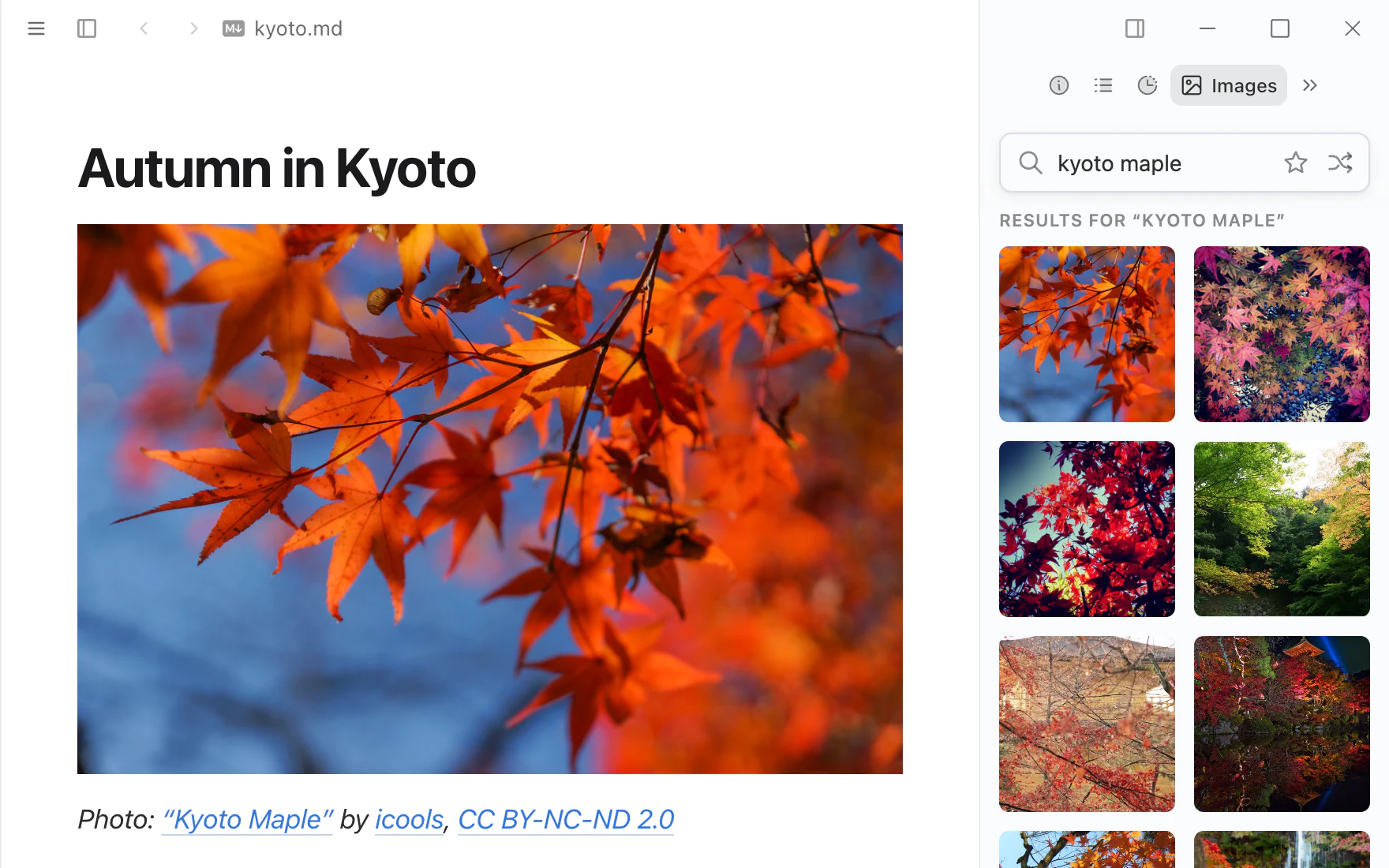
- Click an image to insert it at the caret. With Add a credit line on (the default), a line with the title, creator and license follows it:
```markdown Cup of coffee

Photo: “Cup of coffee” by Etenil, CC BY-SA 2.0 ```
- Point at an image to see its license; click the star to keep it in Favorites (the star button next to the search field).
- The shuffle button shows another page of results for the search, or a random suggestion when the field is empty.
Options
Settings ▸ Extensions ▸ Openverse Images ▸ Options
| Option | |
|---|---|
| Licenses | Any license, or only images that allow commercial use and/or modification |
| Add a credit line | Insert the attribution under each image (on) |
| Include mature results | Off by default |
Limits
Openverse can be used without an account, with limits per network: about 200 searches and 1,000 thumbnails a day, and 20 searches a minute. Nothing is requested until you search; scrolling further loads 20 more images per search. When the daily limit is used up the panel says so; try again the next day.
Licenses
Every image has its own license, shown on the tile and in the credit line. Most Creative Commons licenses require attribution; NC licenses rule out commercial use and ND licenses rule out changes. Check the license on the image's page before you publish. The inserted image links to the original host (Flickr, Wikimedia, …); it is not copied into your folder.
Permissions
network: https://api.openverse.org— the searches and thumbnails. Only your search terms are sent, nothing from your document.document: "write"— only to insert the image you click at the caret.