
PlantUML
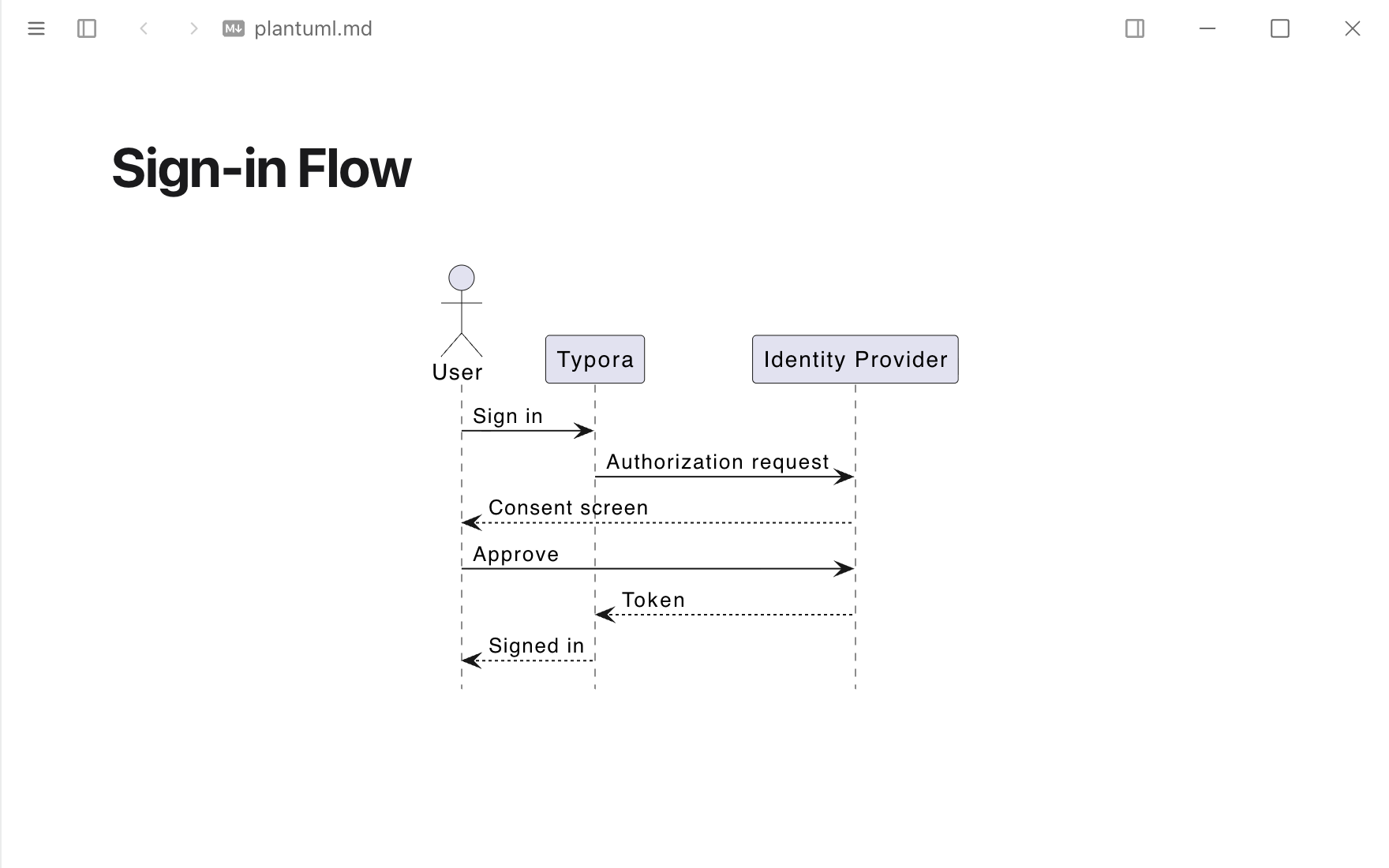
PlantUML and ditaa code blocks, drawn by PlantUML on your computer (the plantuml command, or Java and plantuml.jar) or by a Kroki server.
Permissions
When you install it, Typora asks you to allow it to:
- Send and receive data from
https://kroki.io. - Run
plantuml,javaas you, outside the sandbox.
Sandboxed pages. Ships HTML views that run in a sandboxed frame and only see what Typora sends them.
What it adds
- Code block renderers
```plantuml,```puml```ditaa- Settings
- Draw with, Command, Java, plantuml.jar, Kroki server
Readme
PlantUML
Draws ```plantuml / ```puml and ```ditaa code blocks with PlantUML. Choose how in Settings ▸ Extensions ▸ PlantUML ▸ Options:
| Draw with | Needs | Offline |
|---|---|---|
| plantuml command (default) | plantuml on your PATH, e.g. brew install plantuml | Yes |
| Java and plantuml.jar | Java 11 or later and plantuml.jar; set the paths of both | Yes |
| Kroki server | A network connection; the source goes to kroki.io or your own Kroki | No |
A fence without @startuml (or @startditaa) is wrapped in one. Local diagrams follow the dark appearance (-darkmode). ditaa is drawn as an image: PlantUML only draws it as PNG.
PlantUML stays running between diagrams so only the first one waits for Java to start. It quits after a minute without work, and when you close the window or switch the extension off.
Permissions
process: ["plantuml", "java"]— runsplantuml, orjavawith your plantuml.jar (-Djava.awt.headless=true -jar <jar> -tsvg -pipe …), by name from your PATH or at the full path set in the options. Nothing else. Typora only allows this after you turn on Settings ▸ Extensions ▸ Allow extensions to run programs and accept the permission.network: ["https://kroki.io"]— only with Kroki server: the fence's source is posted tohttps://kroki.io/plantuml/svg(or/ditaa/svg).