
Terminal
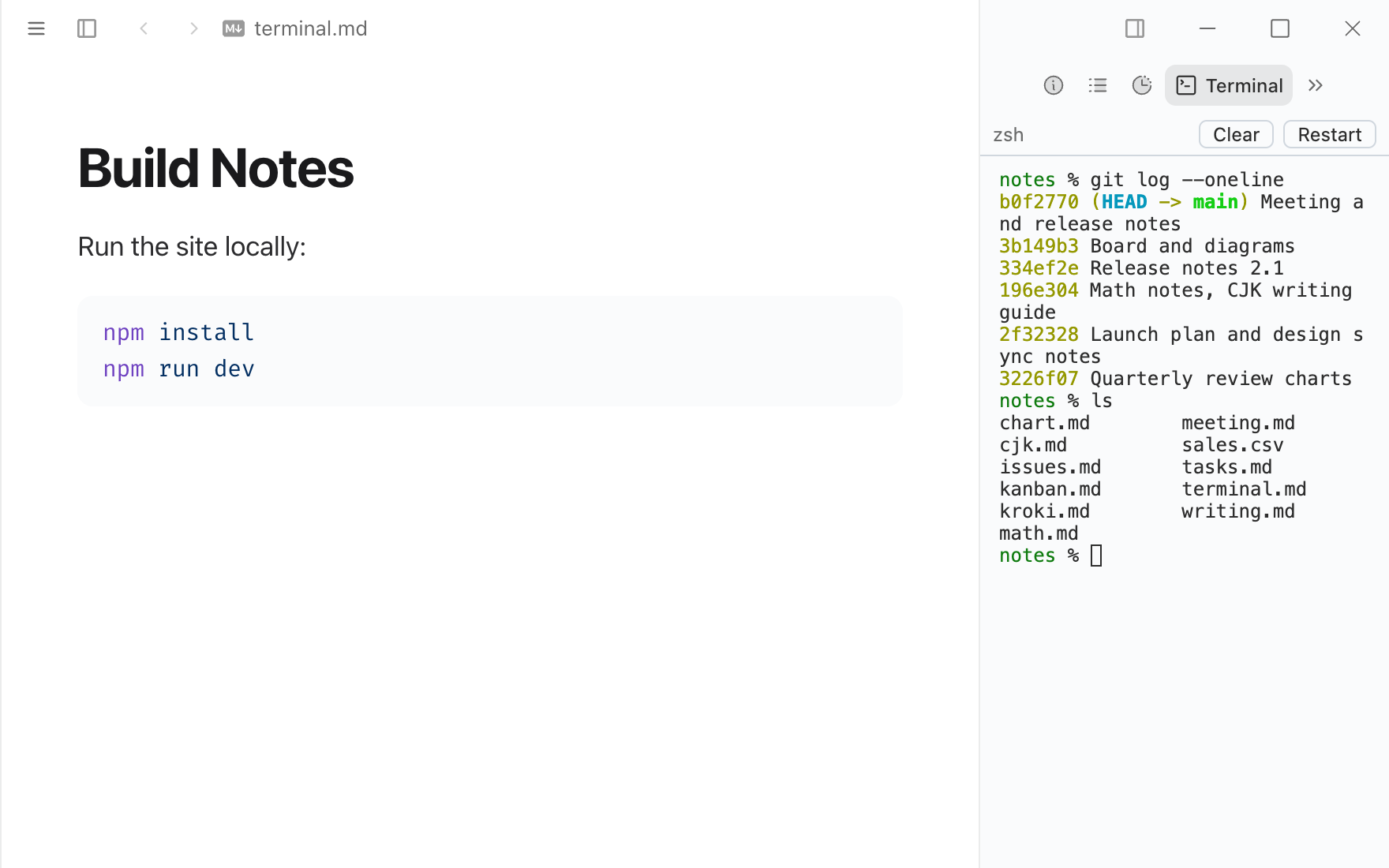
A terminal in the detail panel, opened in the current folder. It keeps running while you switch tabs and documents.
Permissions
When you install it, Typora asks you to allow it to:
- Run any program on your computer as you, including your shell. Programs are outside the sandbox.
Sandboxed pages. Ships HTML views that run in a sandboxed frame and only see what Typora sends them.
What it adds
- Detail views
- Terminal
- Settings
- Shell, Font size, Scrollback lines
Readme
Terminal
A terminal in the detail panel. It opens in the folder of the window (or your home folder) and runs your login shell, or the program set in Settings ▸ Extensions ▸ Terminal ▸ Shell.
The shell belongs to the window: switch to another tab or document and back, and it is still running, with what it printed. It ends when you close the window, press Restart, or switch the extension off.
Permissions
process: "*" — it runs your shell, which can do anything you can. Typora only allows this after you turn on Settings ▸ Extensions ▸ Allow extensions to run programs and accept the permission.
Third-party code
vendor/ holds xterm.js 6.0.0 and its fit addon 0.11.0 unchanged from npm (@xterm/xterm/lib/xterm.js, css/xterm.css, @xterm/addon-fit/lib/addon-fit.js), MIT license in vendor/LICENSE-xterm.txt.